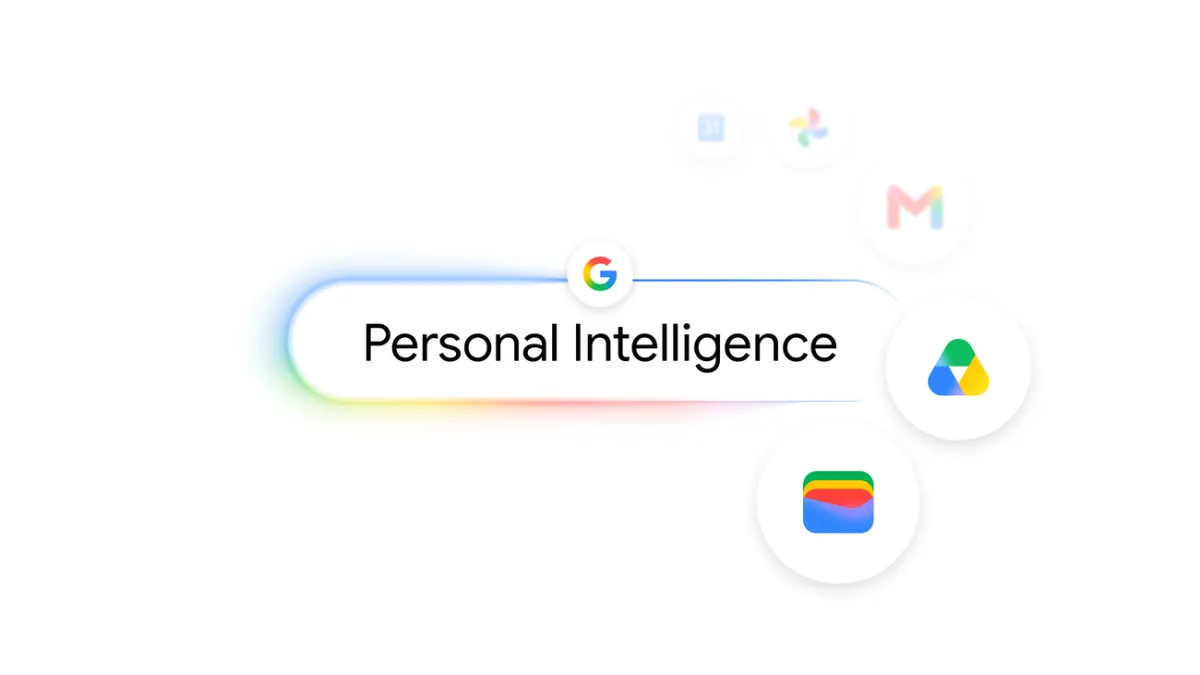
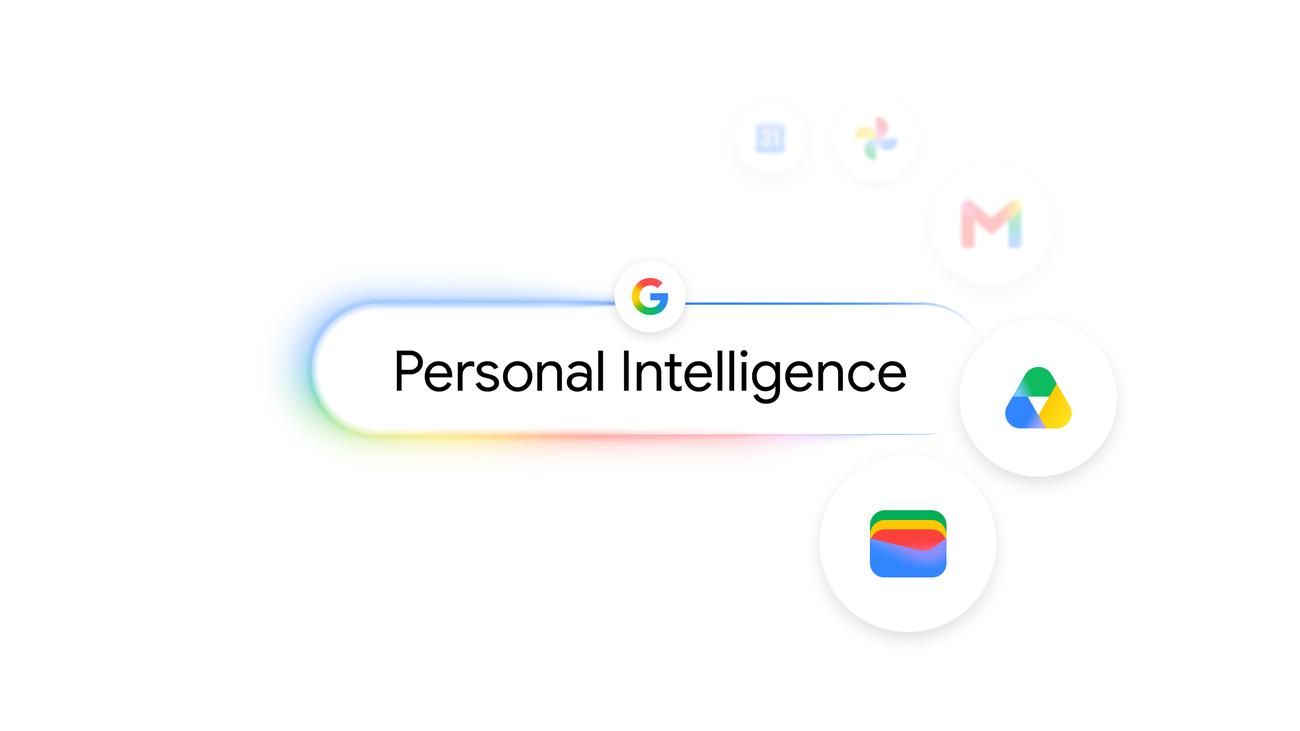
On November 23, Google began rolling out an optional Wallet connection for Personal Intelligence in Search’s AI Mode. The company said Drive and the Gemini app would follow in the coming weeks. That makes this a change to what Google Search can draw on for an answer, not the first time that Wallet could connect to the separate Gemini app.
Wallet arrives first, with read-only access
Google says that AI Mode can read information from accounts connected through Wallet, but cannot move, manage, or invest money. The connection is off unless the user opts in, and Google says they can disconnect it at any time. A read-only connection still lets account information shape an answer. It does not make Search a payment tool.
The distinction matters because an answer to the same question can now depend on which apps the user connected. A generic Search response can rely on the web. A personalized AI Mode response can also draw on the private context a user chooses to provide. This update adds Wallet alongside existing connections for Gmail, Calendar, and Photos, rather than turning on every new source at once.
Drive files and Gemini conversations come later
Google describes Drive as a way to use information scattered across documents, spreadsheets, and PDFs. The example worth watching is a project plan that can draw on several files without the user having to paste them into a search box. Google has announced the connection, but it is not part of the initial Wallet rollout.
The Gemini connection is different. Users could already choose to let Gemini use their Search history. Google now plans to let AI Mode draw on context from the Gemini app as well, so work begun in either place can inform a follow-up in the other. That is a change in how conversations carry over between products, not an announcement that everyone can already access their Gemini conversations from Search.
Search history is a separate change
Google also announced more personalization based on recent search context in both AI Mode and AI Overviews. That does not mean the Wallet, Drive, and Gemini connectors are coming to every AI Overview. The announcement puts those new app connections in AI Mode and directs users to Connected Apps in Search Personalization to choose what to share.
The feature to watch is not how many apps Google can connect. It is whether readers can tell where a specific answer came from and whether a file, a conversation, or the public web shaped it. Google says it plans to show the context used for a reply. That explanation will matter more once Search can draw on several private sources at once.
P.S. The rollout has two timelines: Wallet starts now, while Drive and Gemini follow. A connector shown in Google’s announcement art is not evidence that it is already available in your account.
Frequently Asked Questions
Q: What did Google roll out first?
A: Google began rolling out an opt-in Wallet connection in Search’s AI Mode on November 23.
Q: Can AI Mode make payments or move money?
A: No. Google says Wallet access in AI Mode is read-only and cannot move, manage, or invest funds.
Q: Can AI Mode already read my Drive files?
A: Google said the Drive connection would follow in the coming weeks, after the initial Wallet rollout.
Q: How is this different from the Gemini app?
A: Wallet was already available separately in the Gemini app. Google is adding Wallet to Search’s AI Mode and plans to let conversation context carry between the two products.
Q: Where do users control the new connections?
A: Google directs users to Connected Apps in Search Personalization, where they can choose which eligible apps to connect or disconnect.