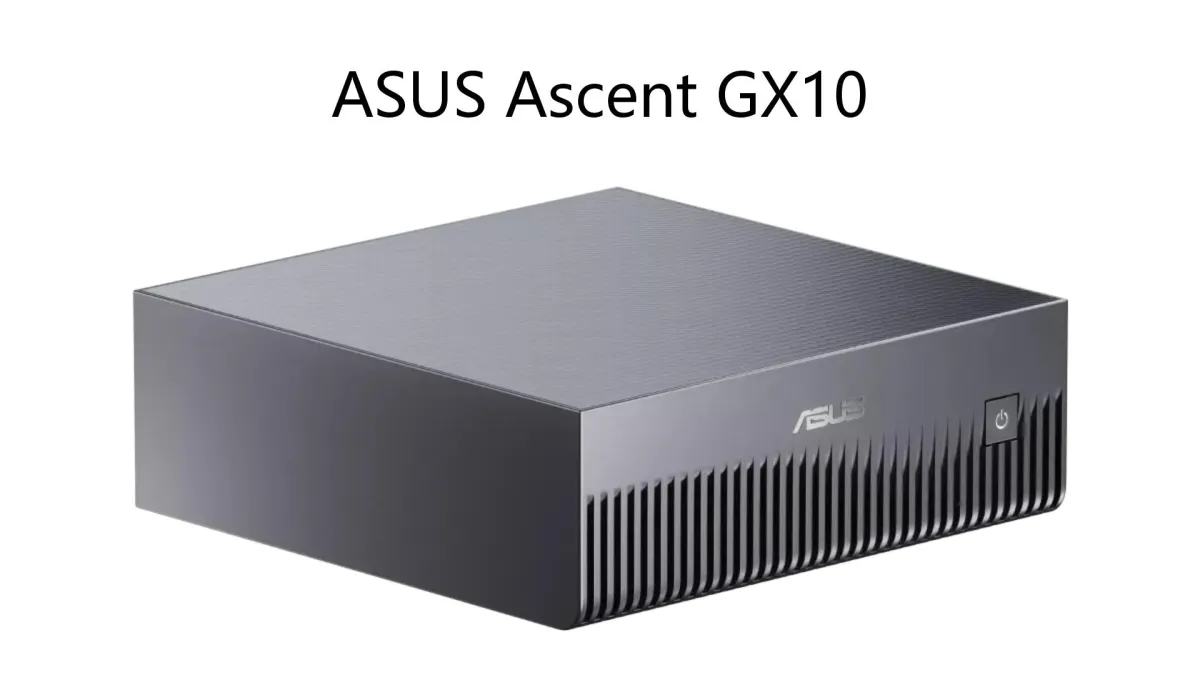
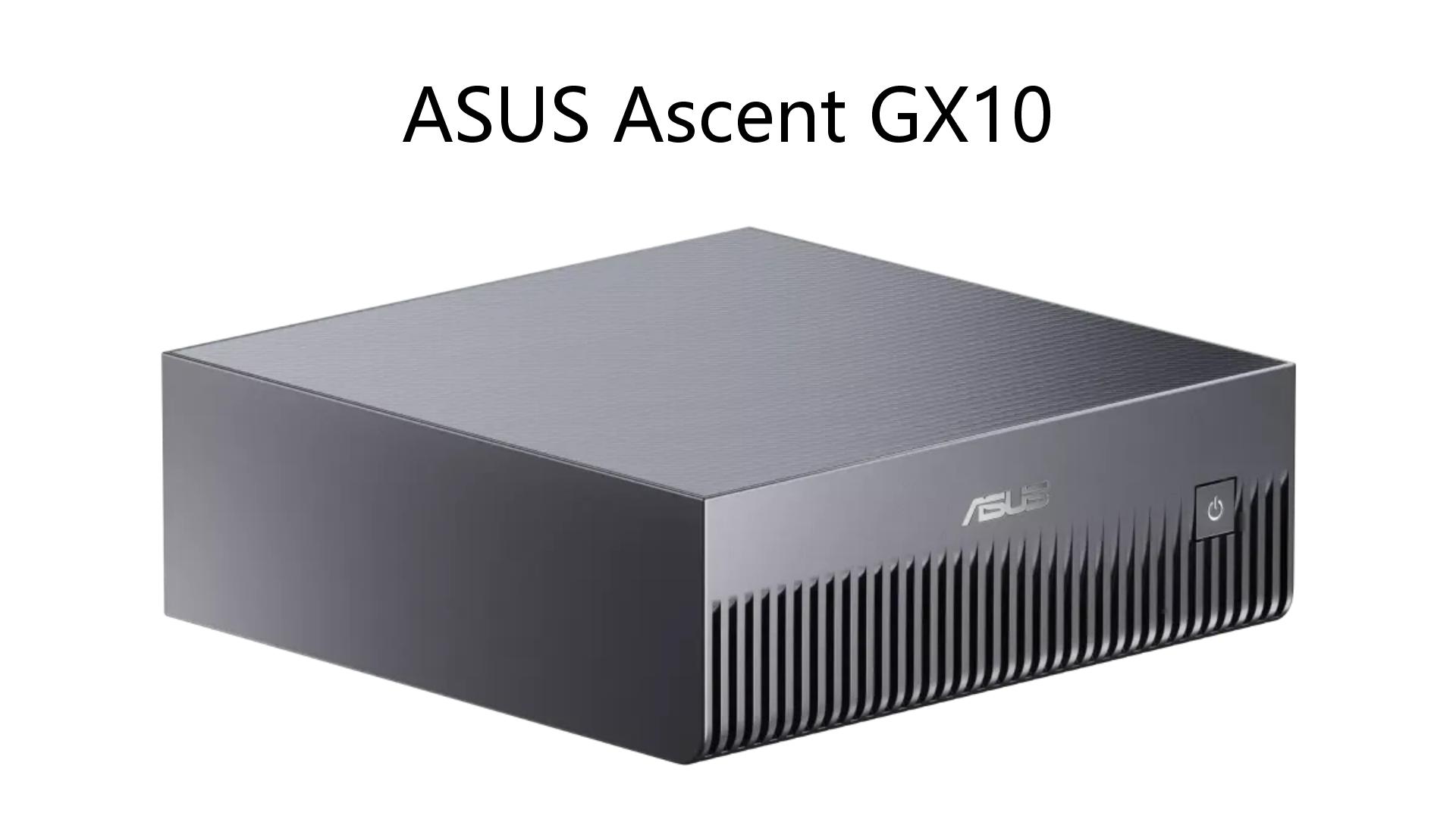
The Ascent GX10 is ASUS's implementation of NVIDIA's DGX Spark platform. It is a 150 x 150 x 51mm, 1.48kg metal box powered by the NVIDIA GB10 Grace Blackwell Superchip: a 20-core Arm CPU and a Blackwell GPU fused onto a single die, connected by NVLink-C2C at 900 GB/s.
The unified memory is the whole point. On a conventional PC, a model either fits inside your GPU's VRAM or it does not. Here, the GPU can address all 128GB of LPDDR5x memory. That single design decision is responsible for every interesting result.
The Memory Bottleneck
273GB/s is fast by Arm SoC standards, but it is substantially slower than the 1.8TB/s on an RTX 5090. The box can hold a model that would never fit on a consumer GPU; it just cannot generate tokens as fast.
The Real-World Numbers
PCMag tested the GX10 against a ProArt RTX 5090 using Ollama. On a dense 32-billion-parameter Qwen3 model, the 5090 produced roughly 120 tokens per second. The GX10 produced around 15 tokens per second — nearly 10x slower.
The gap narrows on MoE models. On Qwen3-30B-A3B (a mixture-of-experts model with about 3 billion active parameters per token), the GX10 saturates its memory bandwidth less aggressively and runs at a speed comparable to a 20-billion-parameter dense model. The architecture matters as much as the raw capacity.
StorageReview's batch benchmarks tell a similar story. On GPT-OSS-20B at batch 64, the GX10 hits 1,600 tokens per second in the "Equal ISL/OSL" workload. On Qwen3 30B A3B, it reaches 1,230 tokens per second. Decode-heavy workloads range from 30 to 700 tokens per second depending on the model and batch size.
These are not the numbers of a speed demon. They are the numbers of a machine that prioritizes capacity over velocity.
The Hardware Package
The GX10's ports are clustered on the rear panel below a full-width exhaust vent: four 20Gbps USB-C ports (one carrying 180W power input, three with DisplayPort 2.1 alternate mode), HDMI 2.1, 10Gb Ethernet, and the ConnectX-7 networking — two QSFP cages at 200Gbps apiece.
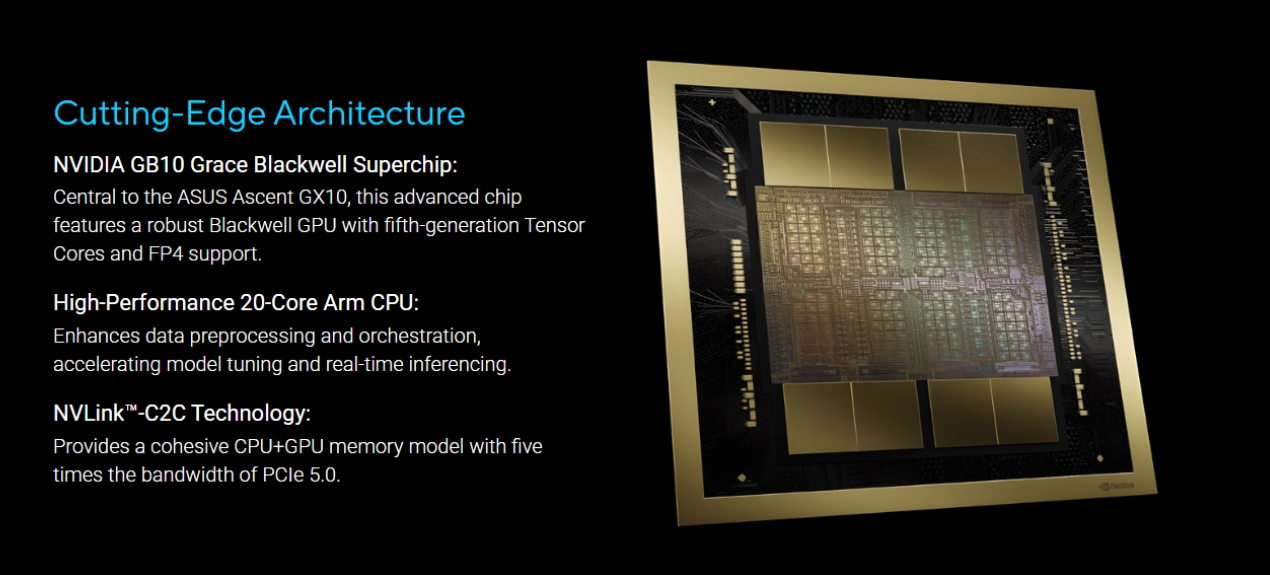
Those QSFP ports let a pair of GX10s be linked into a single 256GB memory pool for models too large even for 128GB. ASUS has put its power button on the front, unlike the other OEM variants that hide it around the back — a small detail that makes a real difference when you have a stack of these in a rack.
The chassis is minimalist and unobtrusive, though the top has a cross-hatched mirror finish that picks up fingerprints. Internal access is limited to swapping the 2242 SSD — everything important is soldered down.
What It Is Not
The GX10 is not a drop-in replacement for cloud APIs if speed is your priority. Claude Code and Codex will generate code faster. The GX10 still gets the job done fully offline, but the person waiting for the response will wait longer.
It is also not a general-purpose desktop. No USB-A, no 3.5mm jack, no card reader. This is an appliance that expects to be reached over the network and handed work.
The Power Situation
The GX10 draws roughly 180W at the wall, with a 240W adapter. But users on the NVIDIA developer forums have reported that under sustained GPU load, power consumption maxes out around 60W for the GPU — well below the 140W total envelope. NVIDIA has not exposed any user-facing control to adjust the TDP. This is not unique to ASUS; it is a platform-level policy baked into the GB10 driver.

Who It Is For
The GX10 is for developers who need to run models that do not fit on consumer GPUs and cannot rely on cloud APIs for privacy, stability, or cost reasons. One Media Connect's CTO described it as "an excellent fit for local general-purpose AI chat, on-device image and short-video generation, and any workflow where privacy, stability, or zero ongoing cloud cost matters more than raw speed."
The workflow for these machines is different from a conventional PC. Running a 120B model locally, offline, without per-request API costs, is the value proposition. The team at Prology, who tested a fleet of four GB10-based machines simultaneously, noted: "containers and scripts run identically on every machine, without changing a single line. Same GB10 core, same DGX OS — we shuffle workloads across the four machines like four anonymous nodes in one cluster."
The setup process is surprisingly smooth. DGX OS comes with drivers, CUDA, and the AI stack preinstalled. Unboxing to first prompt takes less than a morning. The software is entirely NVIDIA's — the OEMs control the chassis and firmware updates, but the experience is virtually identical across all DGX Spark variants.
The Bottom Line
The GX10 is not trying to win a speed race. It is trying to win a capacity race — and it does. It runs models that consumer GPUs cannot touch, at a price that is roughly one-third of an RTX 6000 card while being a standalone system rather than a component.
The question is not whether the GX10 is fast. It is whether your workflow values memory capacity or memory bandwidth more. If you need to run a 120B parameter model without quantization, offline, and you can tolerate the generation speed, this box delivers. If you need high-speed interactive responses or real-time agentic workflows, cloud APIs or a desktop workstation with a 5090 will be a better fit.
P.S. The GX10's unified memory is a new category of hardware. It is not a Mac Studio, not a PC workstation, and not a cloud instance. It is the first generation of a product class that NVIDIA is betting will define the next phase of AI development. The second generation will be faster. The first generation is usable — if you know what you are buying.
Frequently Asked Questions
Q: What is the ASUS Ascent GX10?
A: The ASUS Ascent GX10 is a compact AI workstation powered by NVIDIA's GB10 Grace Blackwell superchip. It features 128GB of unified memory and 1 petaflop of FP4 AI compute, designed to run large language models locally on a desktop.
Q: Why is 273GB/s memory bandwidth a problem?
A: 273GB/s is the memory bandwidth of the GB10 superchip. It is significantly slower than the 1.8TB/s on an RTX 5090. This means the GX10 can load a 120B model, but it generates tokens much slower than a high-end desktop GPU.
Q: How fast is the GX10 in real-world testing?
A: PCMag tested the GX10 against an RTX 5090 on a dense 32B Qwen3 model. The 5090 produced 120 tokens per second; the GX10 produced about 15 tokens per second — roughly 10x slower. On MoE models with fewer active parameters, the gap narrows.
Q: Can two GX10s be linked together?
A: Yes. Two QSFP ports on the rear panel support 200Gbps each, allowing two units to be linked into a single 256GB memory pool for models too large even for 128GB.
Q: Does the GX10 consume a lot of power?
A: It draws roughly 180W at the wall with a 240W adapter. However, under sustained GPU load, power consumption maxes out around 60W for the GPU — well below the 140W total envelope. NVIDIA has not exposed user controls to adjust the TDP.
Q: Is the GX10 a good replacement for cloud APIs?
A: Only if speed is not your priority. The GX10 runs models fully offline with zero ongoing API costs and complete privacy. But for interactive applications requiring high-speed responses, cloud APIs or a 5090 workstation will be faster.
Q: What models can the GX10 run?
A: The GX10 can run models up to 120B parameters locally. That includes Qwen3 32B, GPT-OSS 120B, and MoE models like Qwen3-30B-A3B. The limiting factor is generation speed, not capacity.