On November 27, 2026, Google began rolling out Antigravity desktop app version 2.36.0. The official changelog describes two new kinds of file actions that Auto mode can approve without asking: edits that it considers safe in another version-controlled repository, and additions outside the current project that do not replace an existing file. Google says the rollout is gradual, so someone using Antigravity today may still see an older app version.
The update matters if an agent works on a change that crosses two repositories, such as a client application and a separate package with shared types. The practical difference is not that the agent can do a new kind of programming. It is that there are more circumstances in which the app can let a file change proceed without stopping for a decision.
Reads were already broader than writes
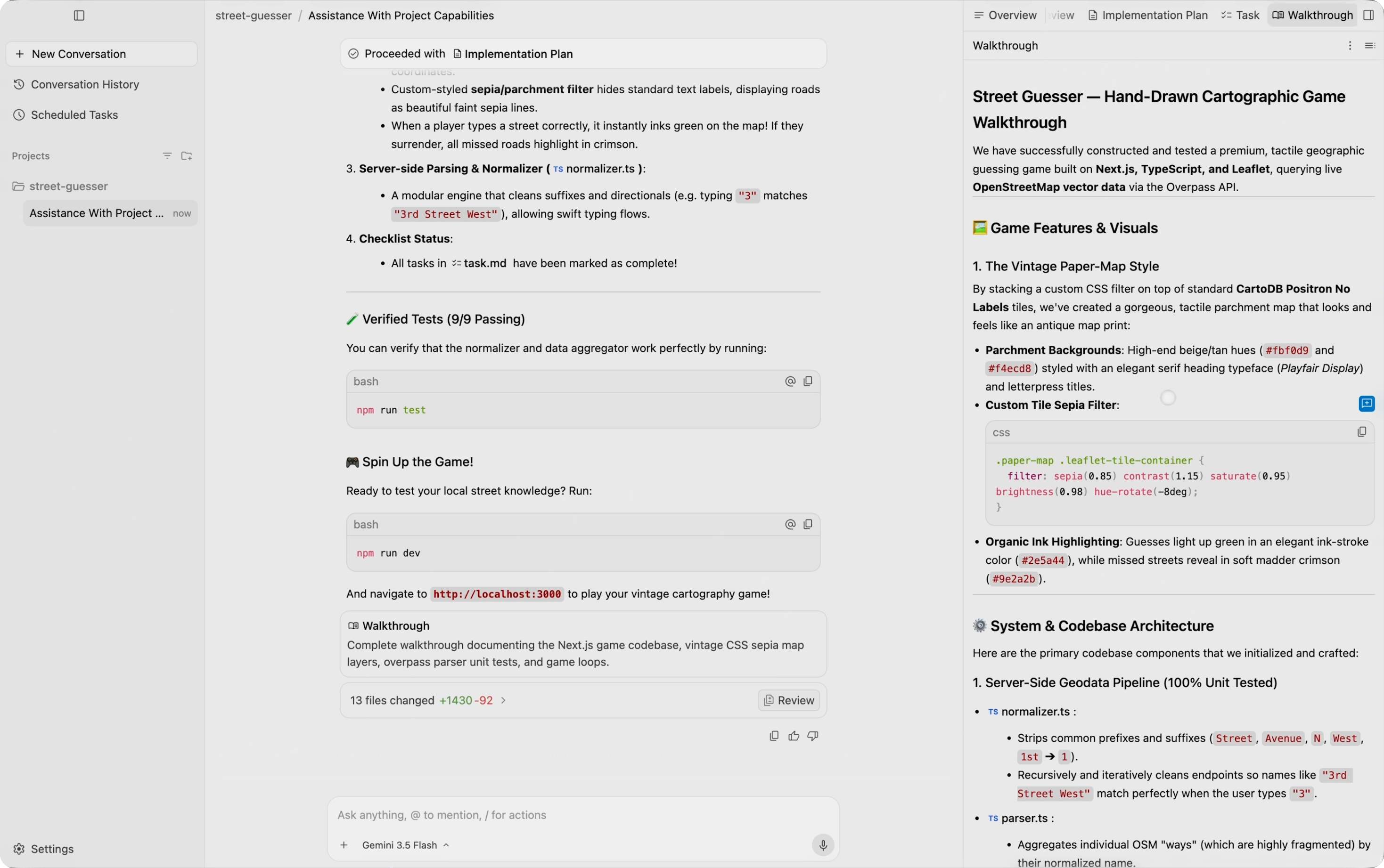
The distinction between reading and writing is easy to miss in a rapid release cycle. On November 23, version 2.35.0 expanded Auto mode to approve reads outside the active project while still protecting sensitive configuration directories. It also made write-permission prompts easier to read by emphasizing the target path and distinguishing file and folder scopes. Version 2.36.0 goes a step further: it changes which edits and additions may not trigger a prompt in the first place.
Consider a repository that contains an application and a separate repository with documentation for that application. The new notes say an edit in the second repository can qualify for automatic approval if Auto mode considers the edit safe. For an ordinary folder outside the project, the changelog describes adding a new file without replacing an existing one. It does not say that the same folder now qualifies for arbitrary changes to files already there. Google’s short changelog does not enumerate every operation the app will judge safe.
Version control is relevant because it gives teams a record against which to check a change. It does not make a change harmless, and a Git diff only tells you what you remembered to inspect. When a task spans two repositories, checking the diff in both is more useful than reading a single summary of what the agent says it did.
Teams that use sibling repositories for an app and a shared library have a good reason to welcome fewer interruptions. For a workspace that sits alongside unrelated client projects, the same convenience has a different cost: a task started in one folder is no longer enough information to tell you where every edit may land. That makes it useful to specify which repositories are in scope before delegating the work.
The prompt count only tells part of the story
Antigravity team lead Varun Mohan said the release reduced unnecessary Auto mode approvals by a further 15 percent. He did not publish the workloads, sample size or baseline with that figure, so it is a team-reported measure rather than a prediction of how many prompts any one developer will see. The most useful measure for a team is how often the app interrupts work it would have approved, alongside how often it makes changes the team would have rejected.
The agent settings documentation describes permission presets and explains that Auto mode is distinct from always proceeding. Outside the terminal sandbox, the app still evaluates commands and can pause for approval. It is worth checking which mode a project actually uses before attributing a change in prompts to this update. Someone who wants to review wider changes can use a more conservative preset rather than treating fewer prompts as the goal.
This is an app update, not a Gemini launch
There are other changes in 2.36.0: Google added a small floating compose control with progress indicators to maximized side panels and can carry context from voice calls that end before handoff into a local conversation. That may make it easier to give an instruction and then pick up the conversation later. Neither change is a new underlying Gemini model.
Gemini 4 Neon reached Antigravity on November 18, as Google’s product site records. This release does not announce a successor to Neon. Likewise, Google’s November 17 notes already listed live GitHub pull-request status and an overview section, so seeing those controls mentioned alongside the new release does not make them new this week.
The practical question for the desktop update is whether a team wants an agent to make routine changes across project boundaries, and how it will review the result. A slightly smoother workflow can be valuable, especially across related repositories. The trade-off is that the person reviewing the agent’s work needs to look beyond the folder where the task started.
P.S. When reviewing agent work that touches more than one project, ask for a list of the repositories changed and check each one’s diff. Don’t use the number of approvals as a substitute for that review.
Frequently Asked Questions
Q: What changed in Antigravity 2.36.0?
A: Desktop Auto mode can approve certain safe edits in other version-controlled repositories and some file additions outside the active project.
Q: Can Auto mode replace any file outside the project?
A: No. Google describes qualifying edits in other version-controlled repositories and separately lists additions elsewhere that do not replace an existing file.
Q: Will every user see 15 percent fewer prompts?
A: Google’s team lead reported that figure. The public announcement does not provide a test setup that would let readers generalize it to every workflow.
Q: Is this a new Gemini model?
A: No. It is a Google Antigravity desktop app update.
Q: Can everyone install it immediately?
A: Google says releases roll out gradually, so the new app version may not reach every account or device at once.
Cover artwork: Google Antigravity.