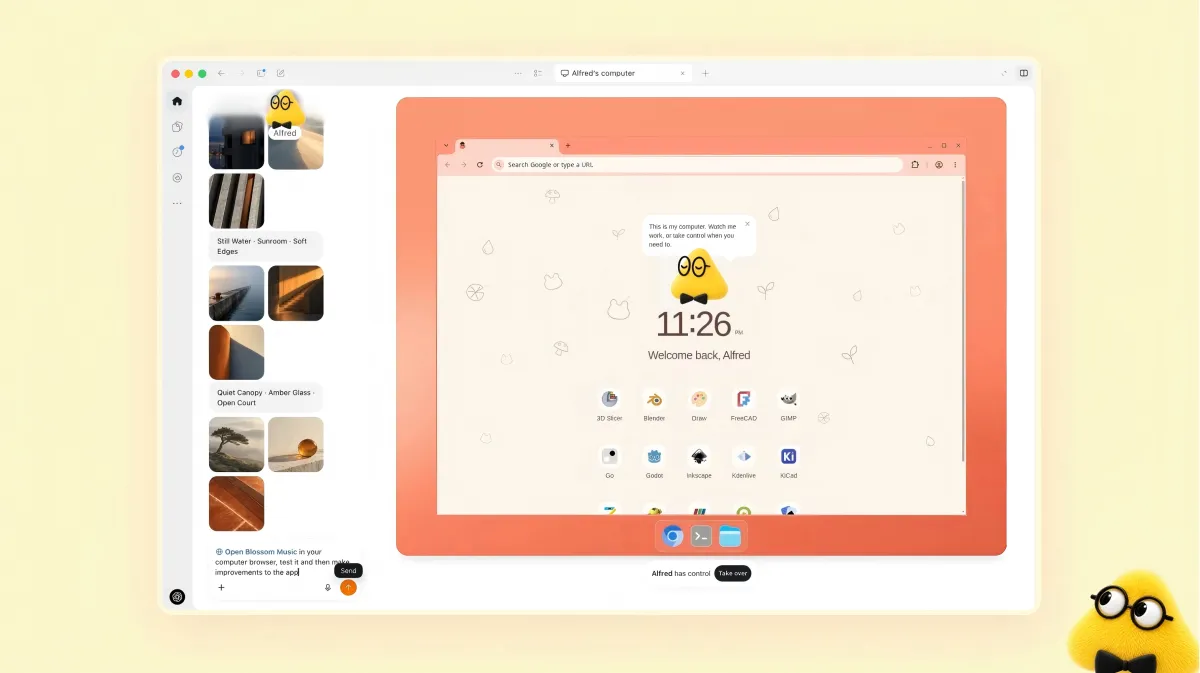
On October 9, OpenAI announced that dots — its always-on personal agents — are now accessible in the ChatGPT app on iOS and Android. The company's developer lead, Tibo, said users can “open ChatGPT on iOS or Android and create your own dot directly.” The feature is available to Pro, Business Premium, and Enterprise users, with Pro excluded in the EEA, Switzerland, and the UK.
OpenAI's Help Center describes a narrower capability. “You cannot currently create a dot on mobile,” it states. Creation requires the desktop app or a desktop browser. Mobile access is limited to interacting with dots that already exist.
The distinction is not cosmetic. A dot is designed to run continuously, hold context across conversations, and act on your behalf. If the mobile app is a terminal for a dot you built elsewhere, the “always available” promise applies to its usage, not its creation.
The Agent Became a Manager
The more consequential change is what dots do, not where they live.
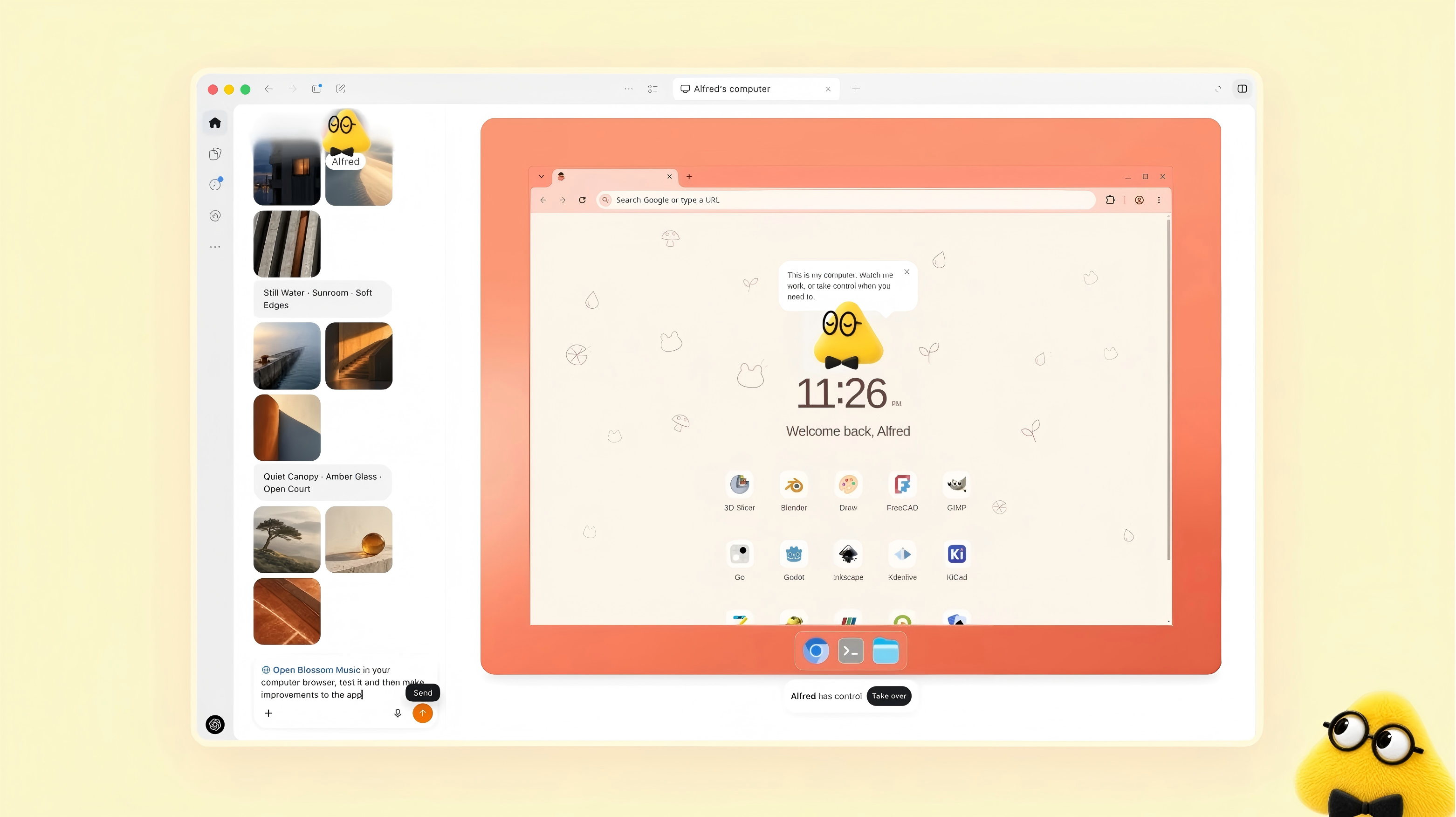
In the updated workflow, a dot does not write code. It decides which code gets written. It searches ChatGPT conversations, pulls context from existing Codex threads and automations, and determines whether to continue an old thread or start a new one. After Codex completes a change, the dot follows up, requests a PR, and surfaces the result for review.
OpenAI's demonstration describes the roles directly: the dot is the project manager, Codex is the engineer, and the user is the CEO who sets direction and checks output.
That division of labor is the product. OpenAI is betting that orchestration — deciding what to do, in what order, with which context — is more valuable than execution. The model that writes code is already a commodity across labs. The layer that decides which work happens next is not.
Your Dot Knows You. You Can't See What It Remembers.
OpenAI's safety documentation discloses a limitation that follows from the design. Users cannot currently view, delete, or edit individual dot memories.
Each dot accumulates context over time — preferences, working patterns, judgment calls. That context shapes how the dot prioritizes tasks, what it escalates, and what it handles quietly. OpenAI says the memory travels with the workspace and can be reset. It cannot be selectively edited or inspected.
For a tool that “gets to know what matters to you,” the knowledge it accumulates is not visible to the person it is about. OpenAI frames background research notes as not directly used for training, but they can become part of a dot's working context in later conversations.
The gap is operational, not just a privacy question. A manager who remembers your preferences and acts on them without asking is useful. A manager whose notes about you cannot be read is a different kind of relationship — one where the human supervises the output but not the reasoning.
What the Update Actually Establishes
Three things are now verifiable. Mobile access to dots is real, but creation is desktop-only. Dots are positioned as the orchestration layer above Codex, not as a coding tool. And the context dots build about their users is not auditable.
OpenAI is moving the agent from “answerer” to “coordinator.” The mobile rollout expands where that coordinator can be reached. It does not expand what the coordinator can do, and it does not let you see what the coordinator remembers.
P.S. OpenAI has not said when dot creation will be available on mobile, or whether memory inspection will be added. The Help Center notes that mobile web also cannot create dots.
Frequently Asked Questions
Q: What are dots?
A: Always-on personal agents from OpenAI, powered by GPT-6 Astra. Each dot has its own cloud computer and browser, connects to 4,000+ apps, and runs tasks continuously on the user's behalf.
Q: Can you create a dot on mobile?
A: No. OpenAI's Help Center states that dot creation requires the desktop app or a desktop browser. Mobile access is limited to interacting with existing dots, despite the announcement's framing.
Q: What is the dot's role in the workflow?
A: Dots act as project managers over Codex. They decide which code gets written, manage threads, request PRs, and surface results. OpenAI describes the user as the CEO.
Q: Can you view or delete a dot's memory?
A: No. Users cannot currently view, delete, or edit individual dot memories. The memory travels with the workspace and can be reset, but not selectively inspected.
Q: Where are dots available?
A: For Pro, Business Premium, and Enterprise users. Pro users in the EEA, Switzerland, and the UK cannot access dots yet.